A little
more you.
A few details or a guided phone scan.
A fitting profile of their own.
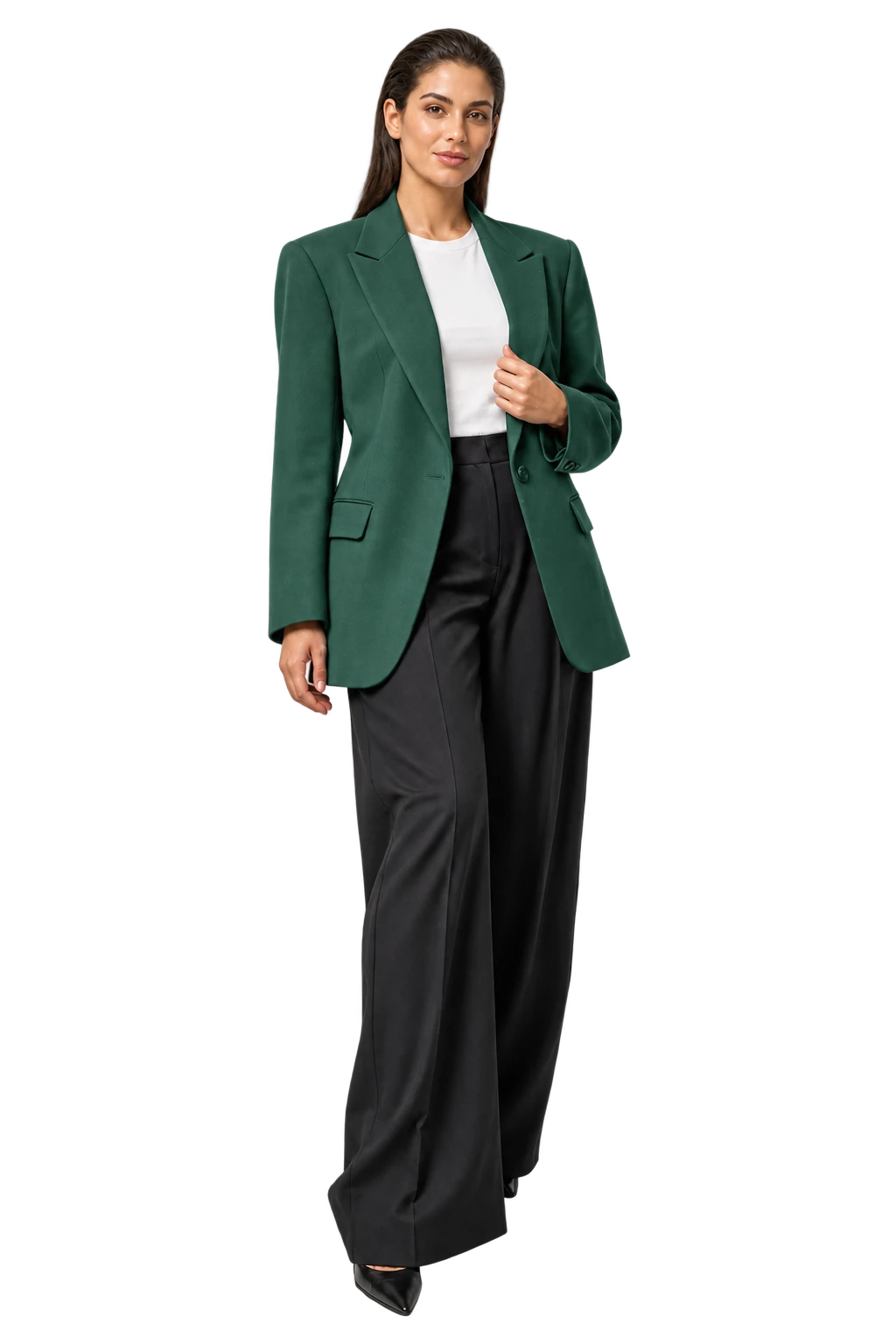
Chest 88 cmWaist 70 cmHips 96 cm
Illustrative measurements ReaLook.Bring it to your store
Measurements, fit guidance and virtual try-on.
One fitting room, inside your Shopify store.
Start with a few details or a guided phone scan. Give every shopper a fitting profile of their own.
Their measurements.Connect their measurements to your size chart. Bring the fit conversation onto the product page.
Your garments.A personal style preview helps shoppers imagine the piece in their wardrobe.
The style preview illustrates the look.A few details or a guided phone scan.
A fitting profile of their own.
Their measurements. Your size chart.
Guidance inside your storefront.
A personal style preview.
A new way to imagine the piece.
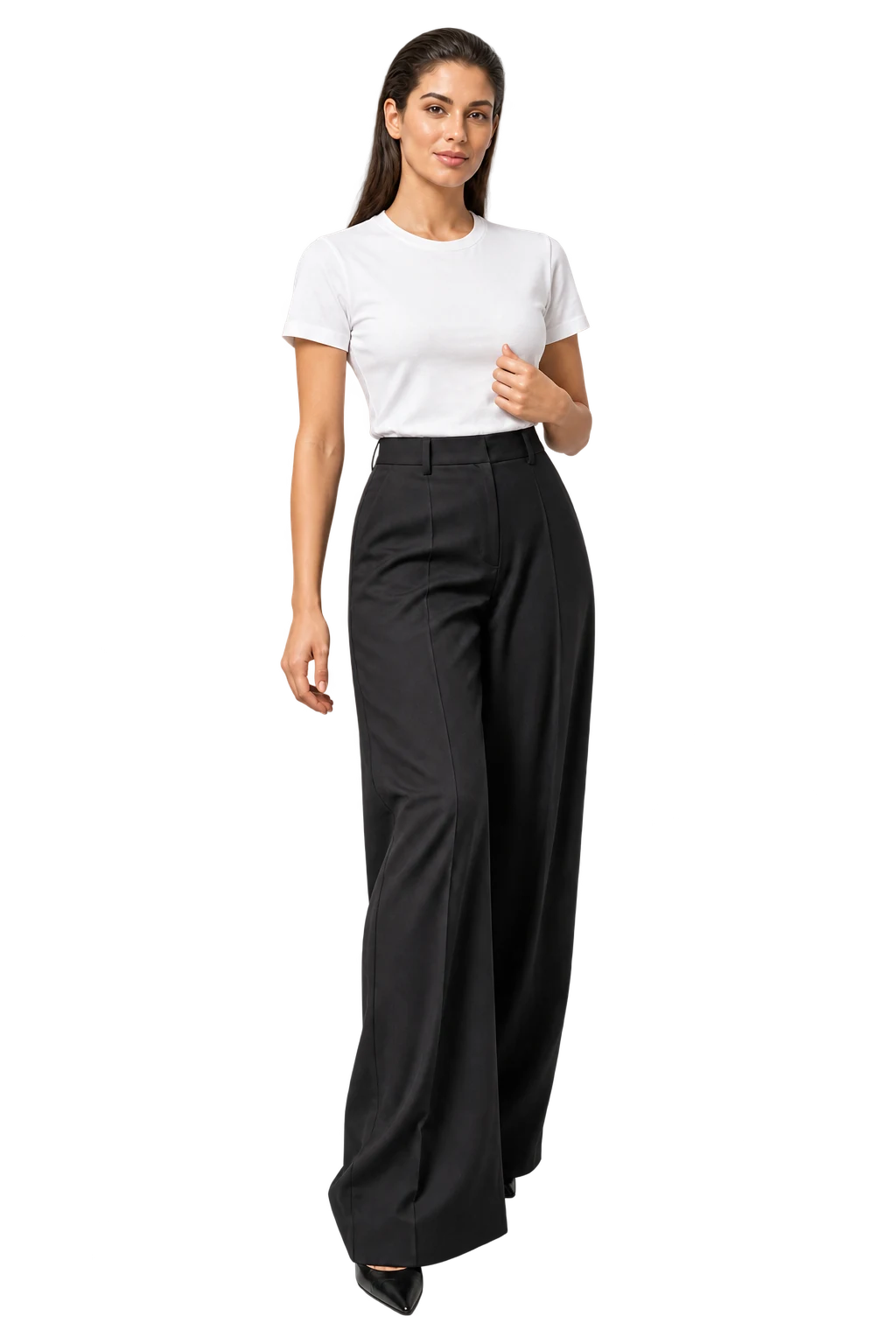 Simulated style preview. Not a fit result.
The fitting room belongs
right where the inspiration starts.
Bring ReaLook into your Shopify store.
Here’s how the experience comes together.
Install the app, open ReaLook in Shopify,
and connect your store.
The Forest BlazerFitting roomAdd the block. Save your theme.
| Size | Chest | Waist | Hips |
|---|---|---|---|
| S | 84 | 66 | 92 |
| M | 88 | 70 | 96 |
| L | 92 | 74 | 100 |
Review your measurements, then publish your chart.
Attach the right products or collections.
Preview the experience on your storefront.
From installation to your first fitting room.
The video could not load. Try again, or download the guide.
An interactive guide to setting up ReaLook on your store.
Get ReaLook for your store